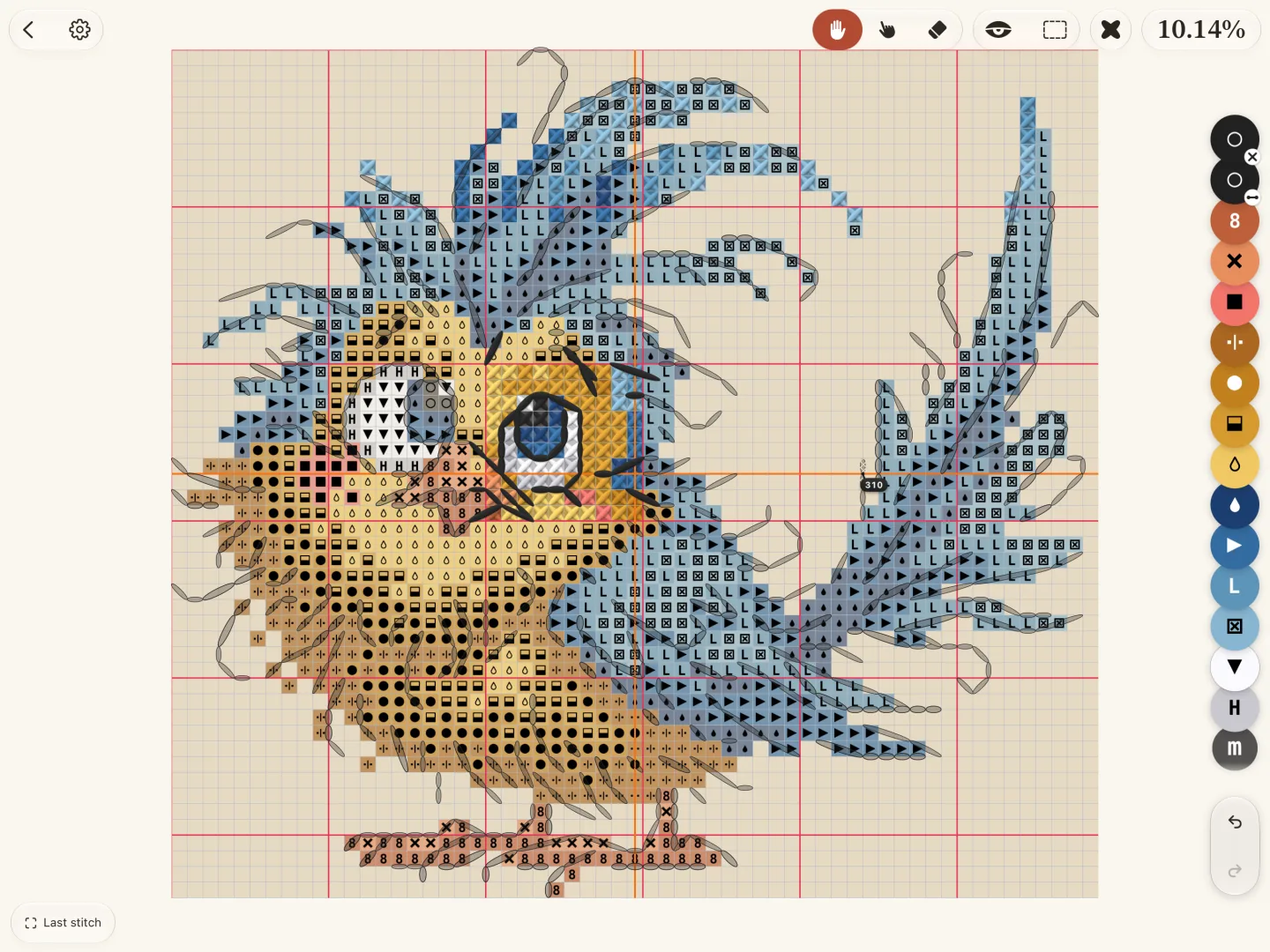
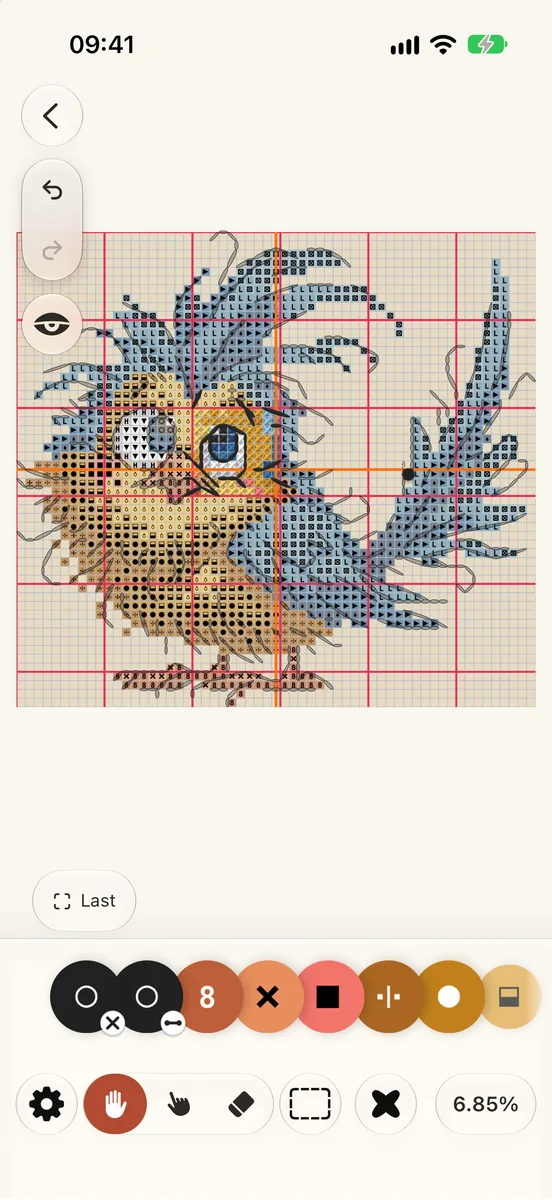
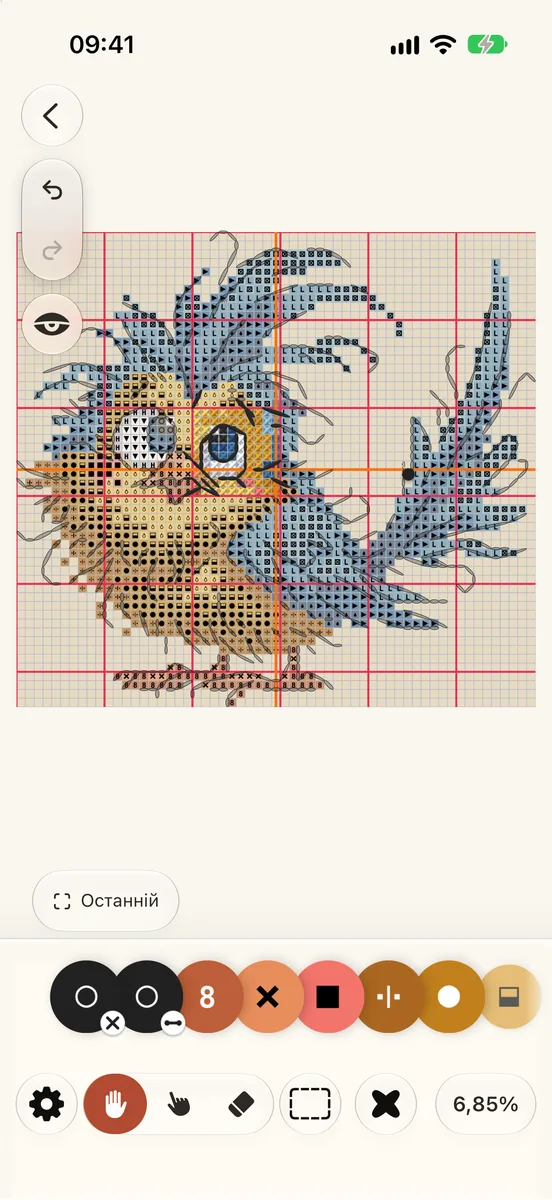
The pattern fills the middle of the screen. The tools, your colours and your progress sit around its edges, so the chart stays in view while you work. Tap a number to read what that control does.
The colour row is off at first. To pin it, open the Palette and tap its pin. The work area has no button of its own on iPhone: find it in Pattern › View, or press and hold a square.
The Pattern panel
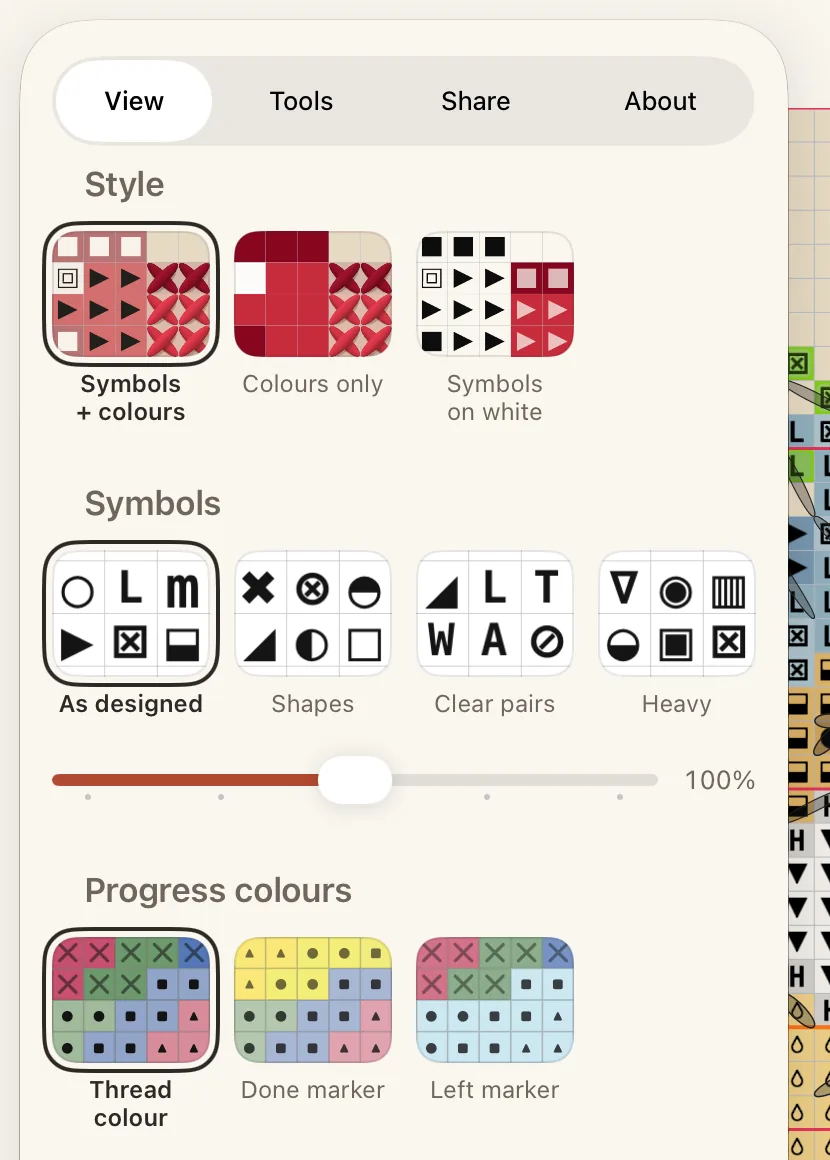
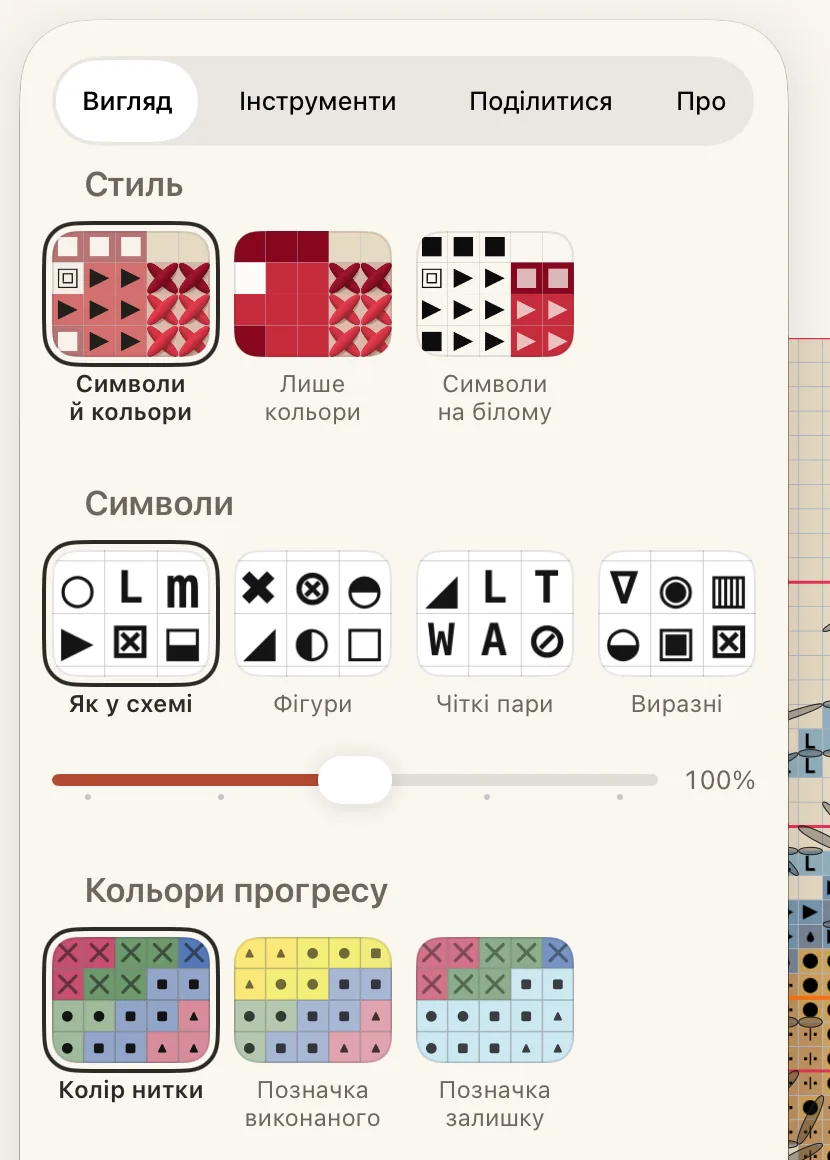
Tap the gear at the top to open the Pattern panel. It has four tabs:
View: the chart’s style, symbol size, progress colours, the canvas colour, and the list of gestures.
Tools: grid lines, rulers, the reading strip, how marking works, and which buttons sit at the bottom.
Share: a picture of your work, or the pattern as a file.
About: what is known about this pattern and where it came from.
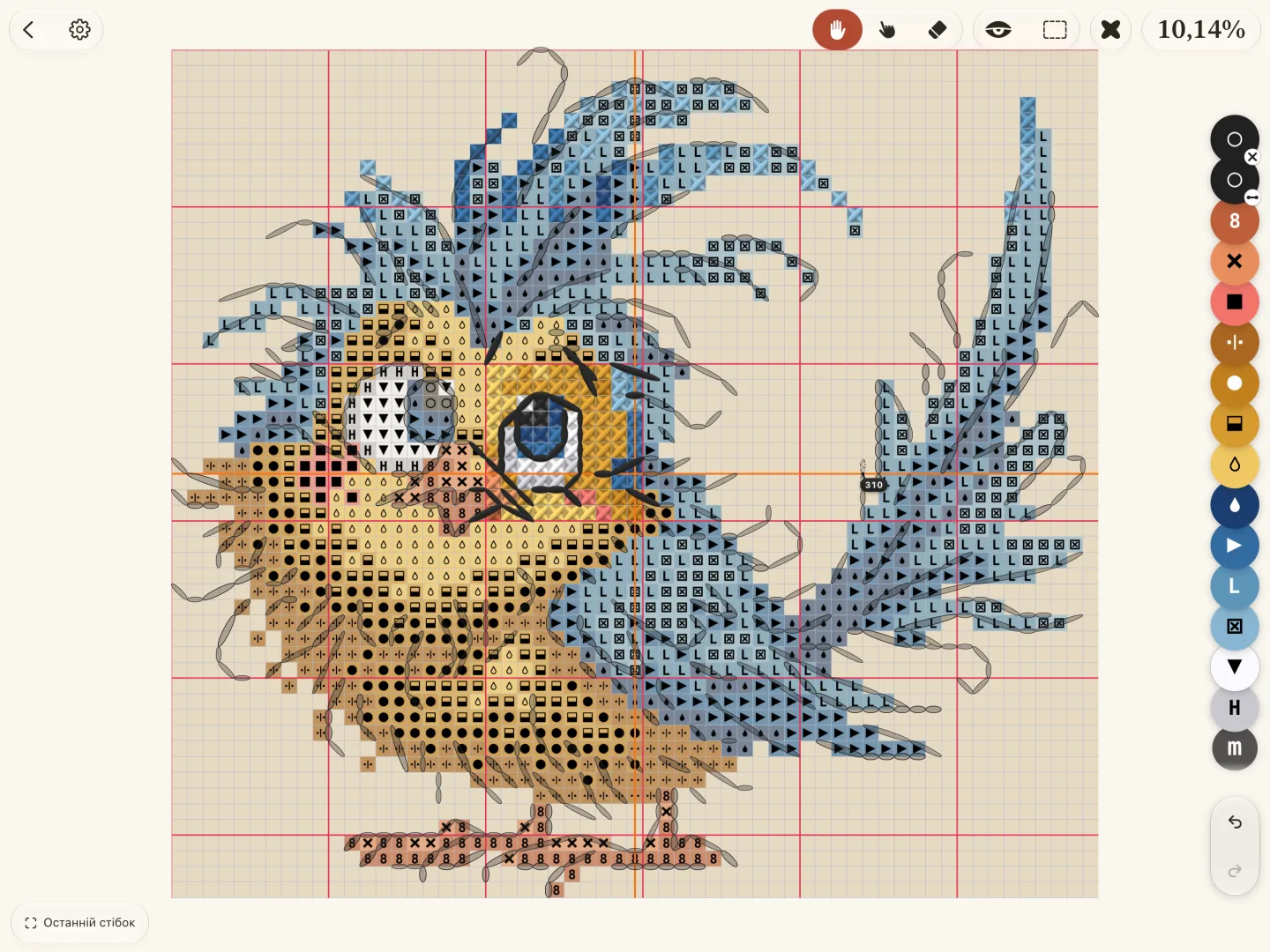
Схема займає середину екрана. Інструменти, кольори й прогрес розташовані по краях, тож схема завжди перед очима. Торкніться номера, щоб прочитати, що робить ця кнопка.
Ряд кольорів спочатку вимкнено. Щоб закріпити його, відкрийте Палітру й торкніться шпильки. Окремої кнопки робочої ділянки на iPhone немає: вона є в Схема › Вигляд, або утримуйте клітинку.
Панель «Схема»
Торкніться шестірні вгорі, щоб відкрити панель Схема. У ній чотири вкладки:
Вигляд: стиль схеми, розмір символів, кольори прогресу, колір полотна і список жестів.
Інструменти: лінії сітки, лінійки, смуга читання, як працюють позначки і які кнопки стоять унизу.
Поділитися: зображення вашої роботи або сама схема як файл.