Less counting.
More stitching.
Your chart. Your colours.
Your place, kept for you.

Free for iPad & iPhone.
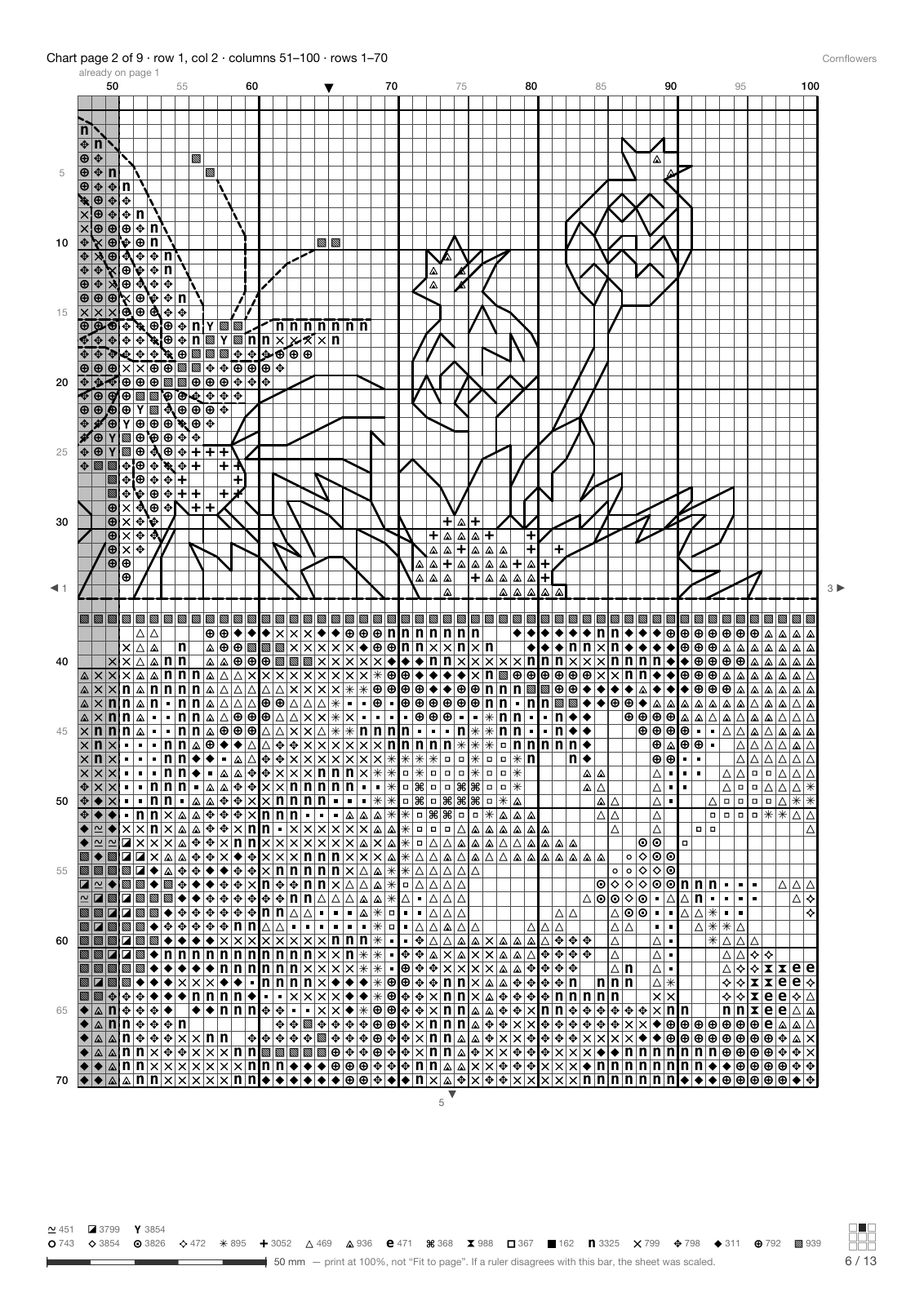
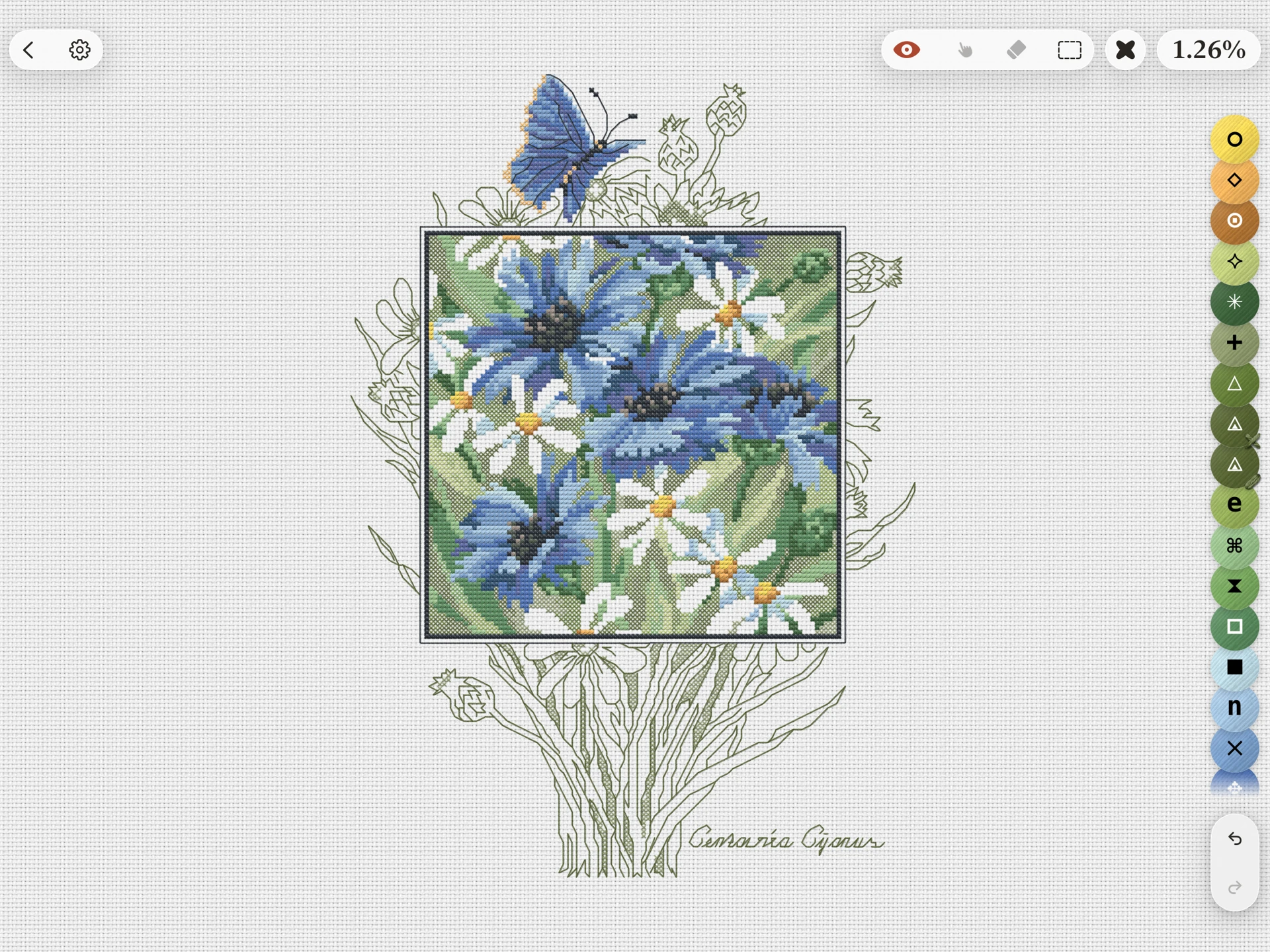
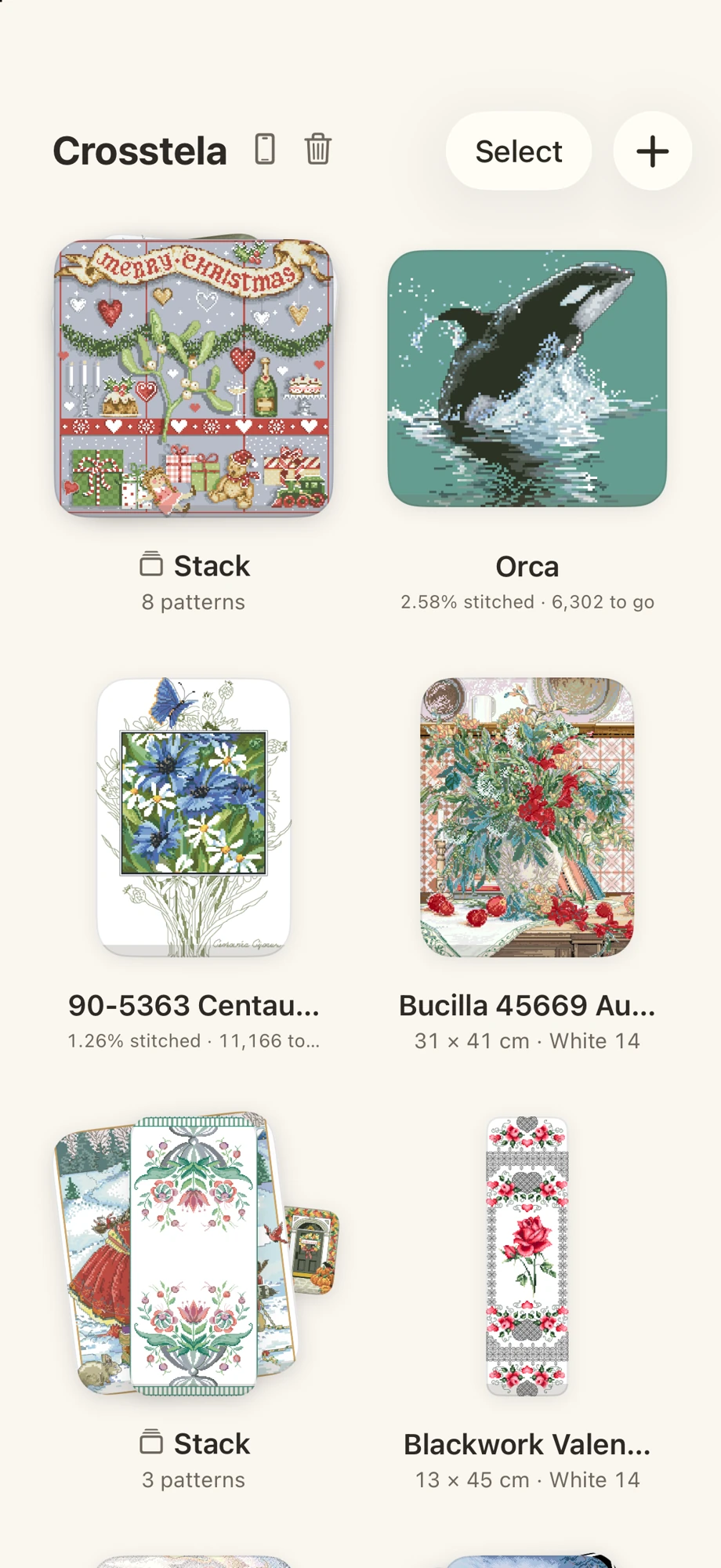
See clearly.Every symbol. Every backstitch.
Keep your place.With a finger or Apple Pencil.
Feel at home.On iPad and iPhone.
01Your collection
Everything you love.
Beautifully in order.
A stack for every idea.
A clear view of every project.
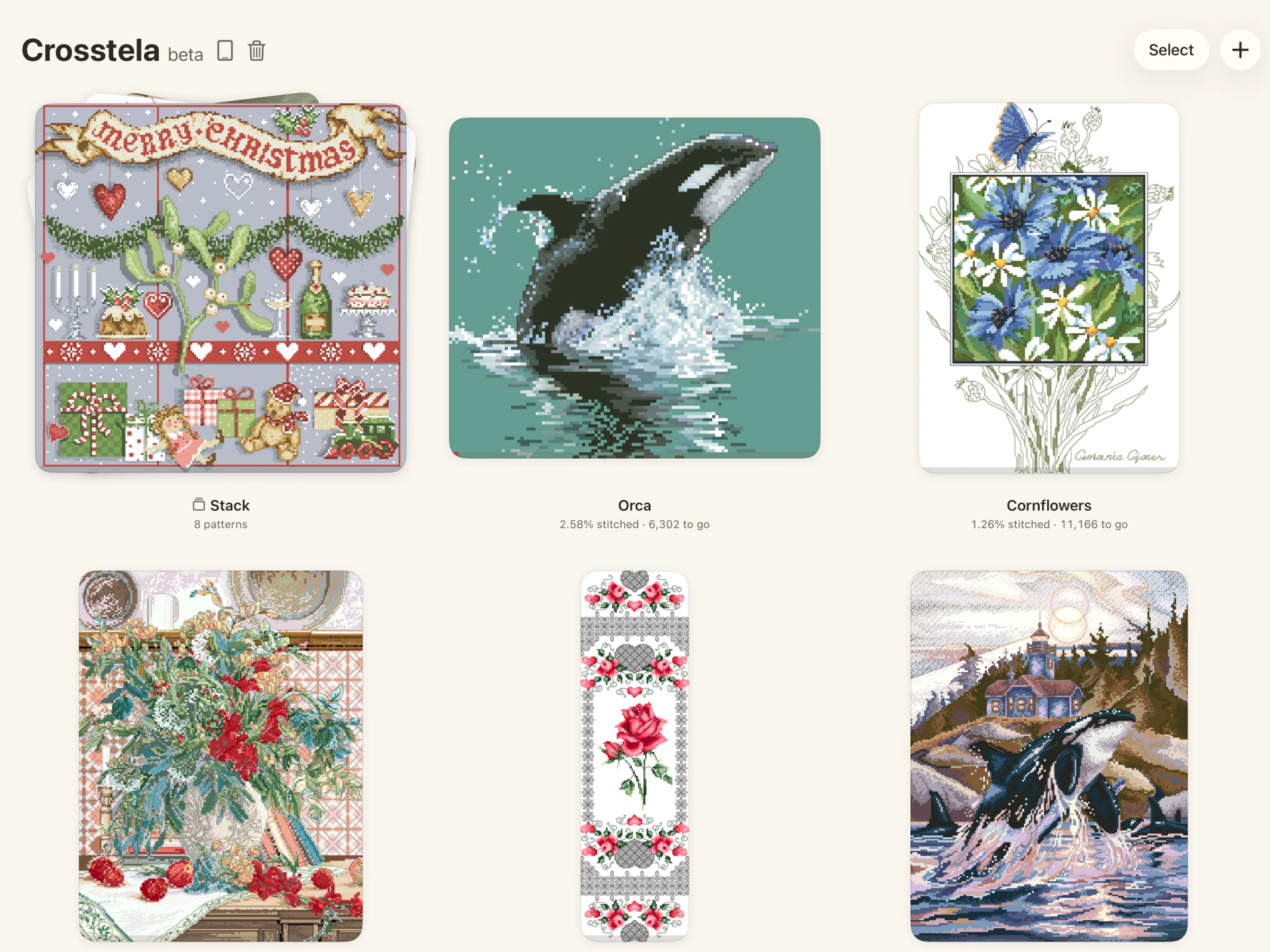
Your next project is right here.
See its size, your progress and the time you’ve spent.
02A clearer chart
A busy chart.
One clear next stitch.
Zoom into the detail.
Let the rest fall away.
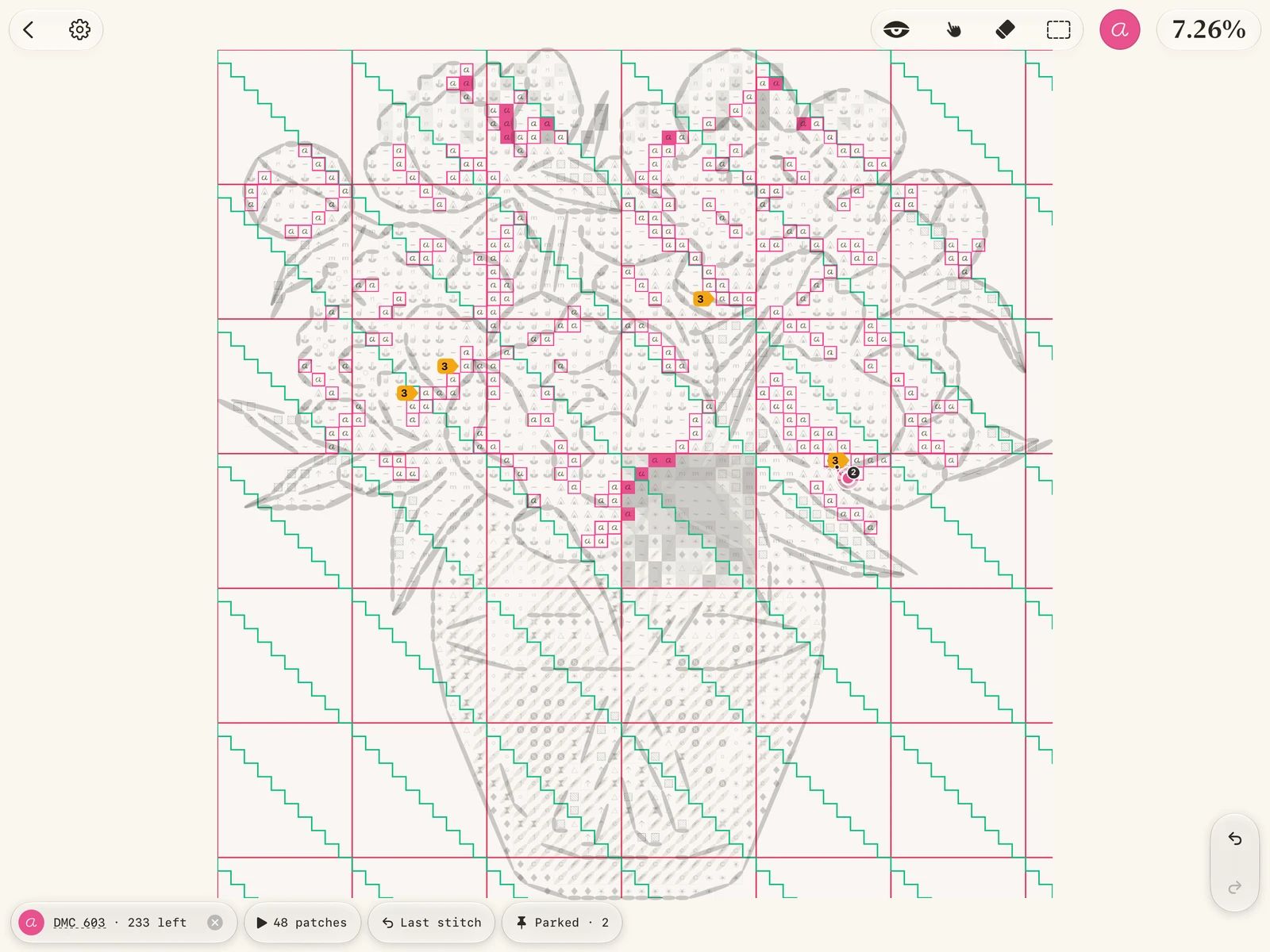
Your thread, easy to follow.
Pick a colour. See exactly where it goes.
03Your way of stitching
However you stitch.
Keep a clear path.
Small tools that make
a long project feel easier.
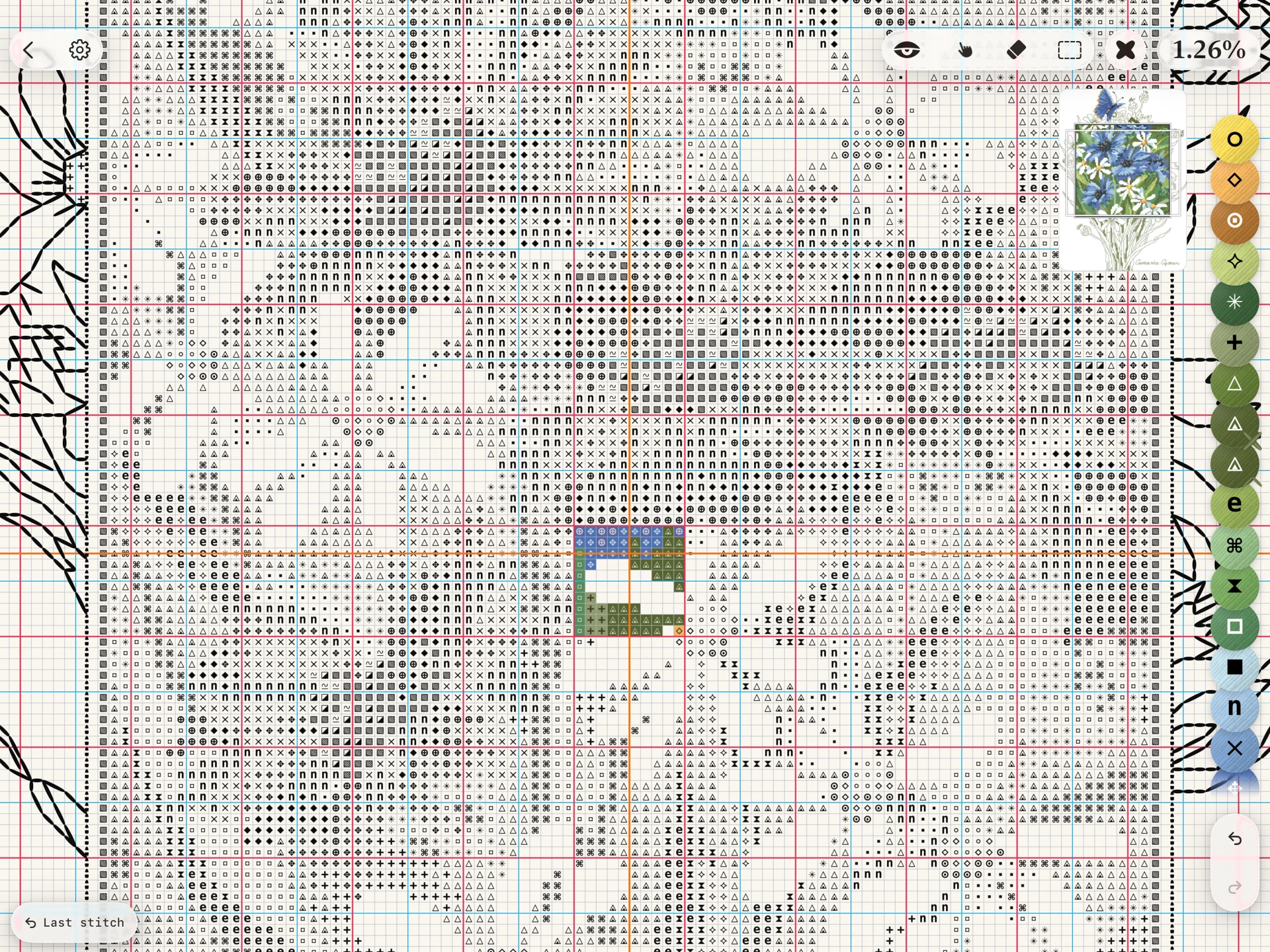
Keep your colours close.
Pin the palette. Pick a thread. Follow it across the chart.
04Your progress
A few more stitches.
Look how far you’ve come.
Your pace. Your daily goal.
Your time, well spent.
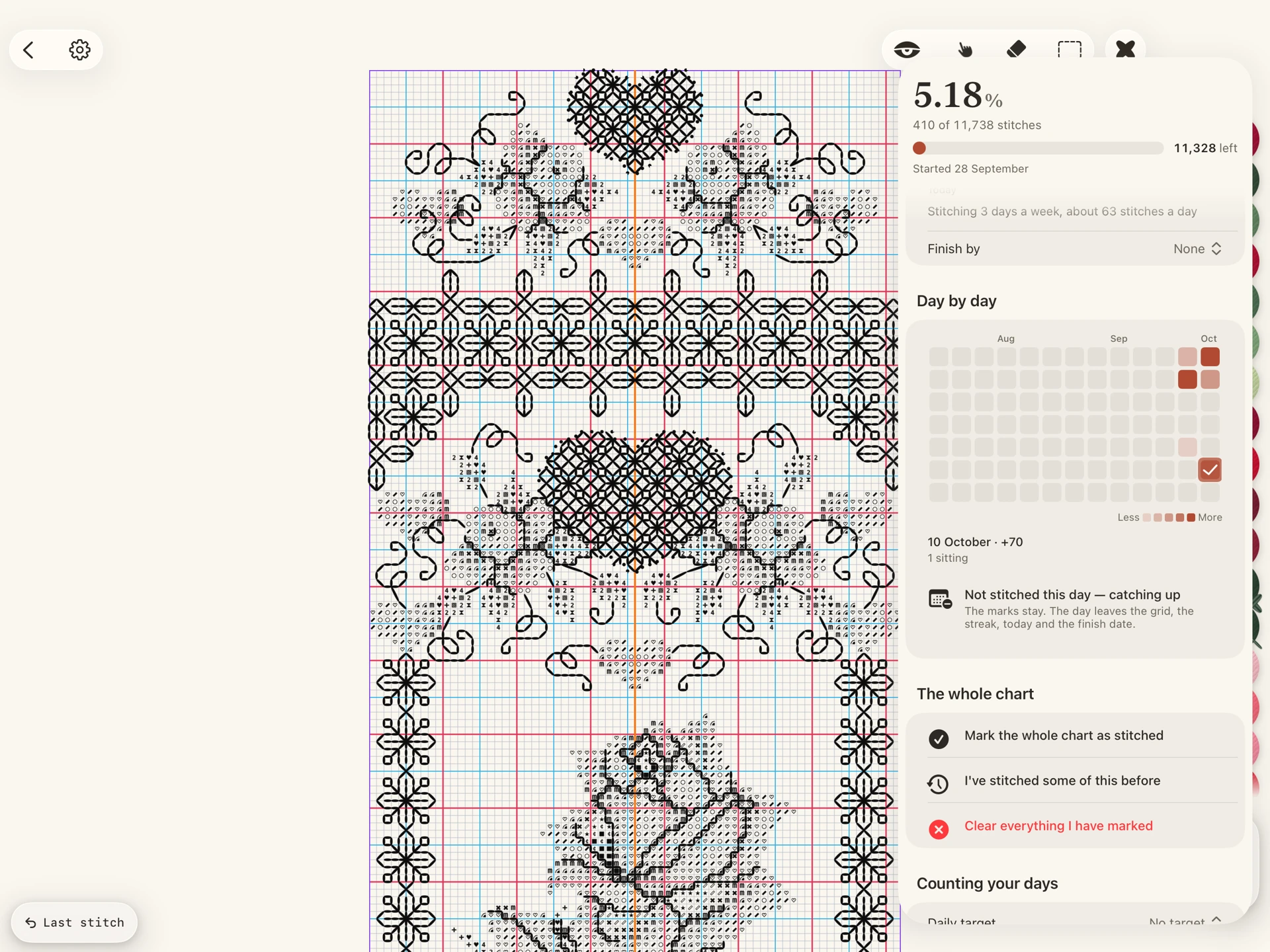
Every session counts.
From today’s stitches to the moment you finish.
Made one stitch at a time.
Made to be loved.
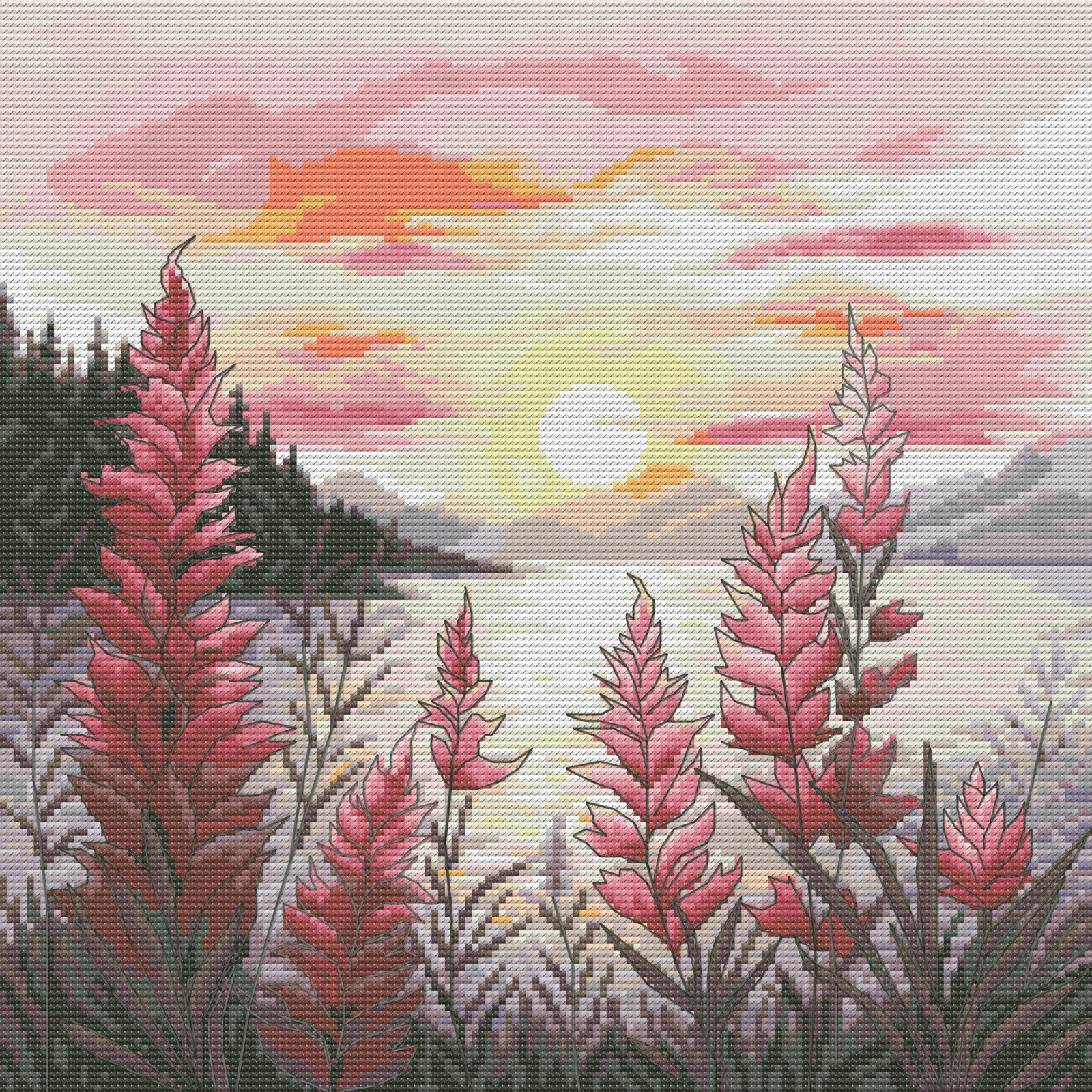

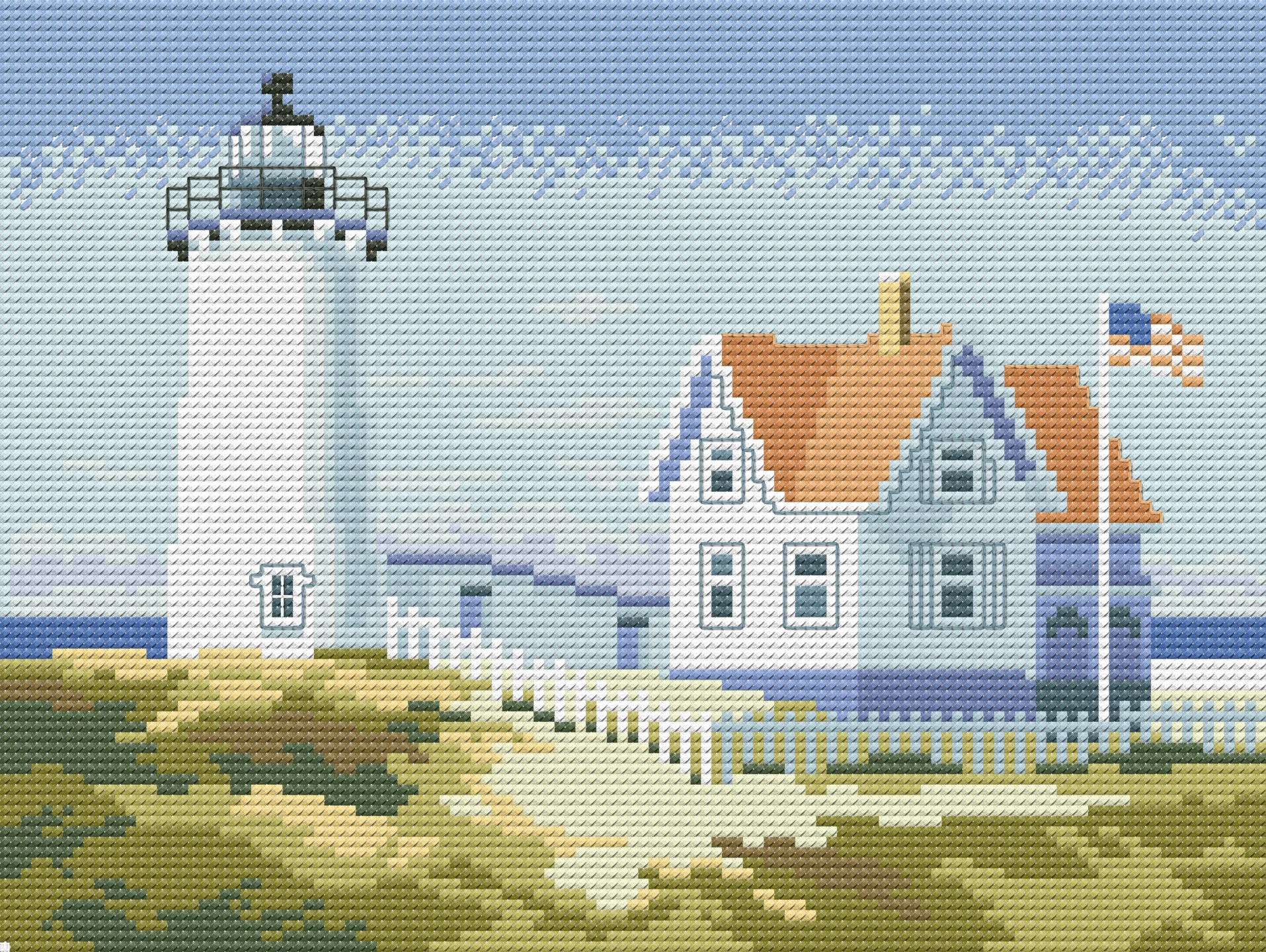
05Together with iCloud
 iCloud
Leave it here.
Pick it up there.
Saved on your device.
Synced with your private iCloud.
 Projects & progress together.
 Private. No Crosstela account.
 Keep stitching offline.
06Bring your favourites
Your patterns.
Your choice.
Open from Files.
Take your work with you.
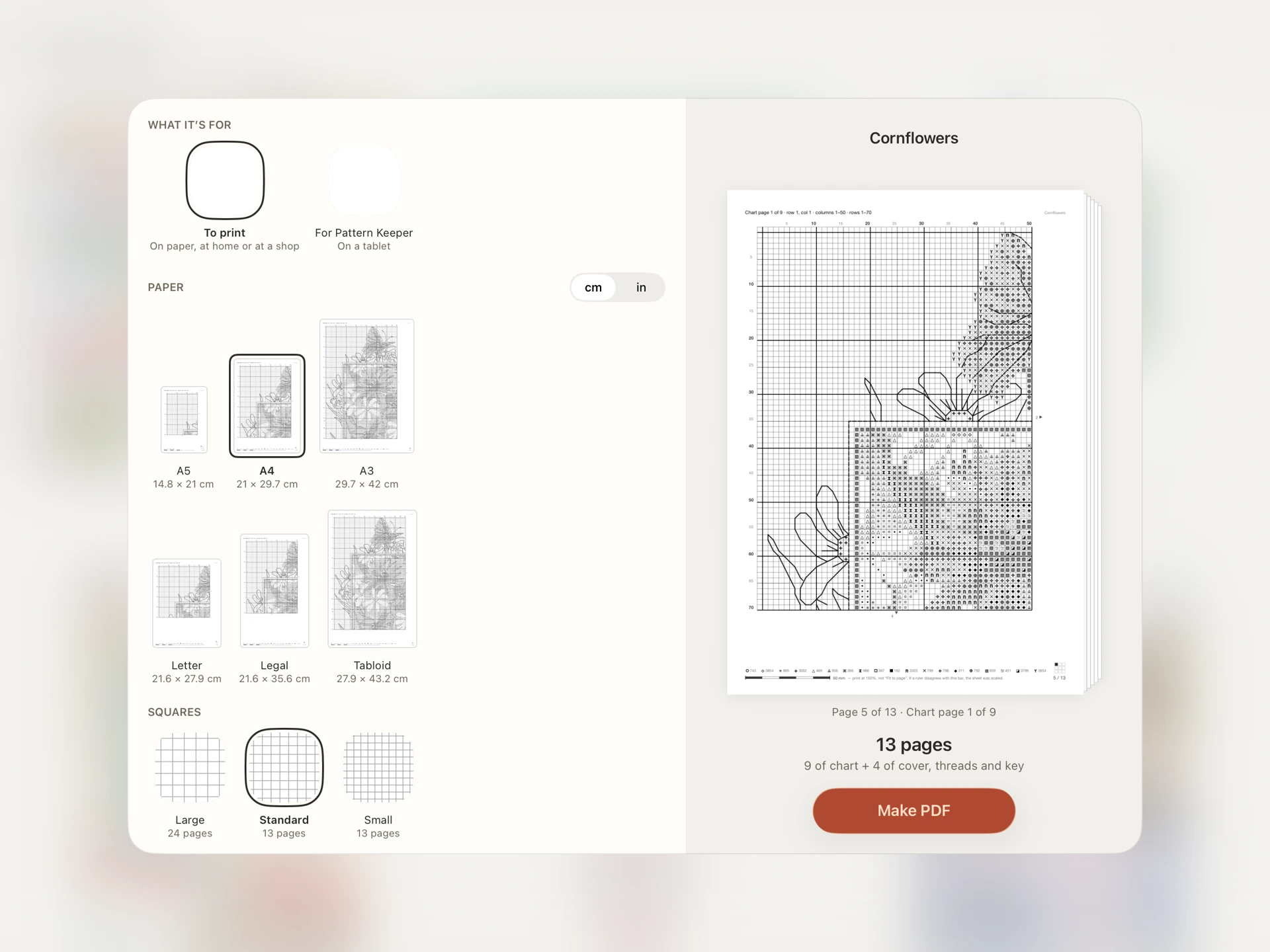
A printable chart, the way you like it.
Choose your paper, symbols and page layout. Preview before you export.
A lovely place to stitch.
Free from the first cross.
Find the companion that fits you.
| Your stitching companion |  Crosstela Crosstela | Pattern Keeper | Cross Stitch Saga |
|---|---|---|---|
| iPad & iPhone | Native app | — | Native app |
| Chart PDFs | Import directly | Import directly | Conversion needed |
| Colour isolation | Included | Included | Included |
| Backstitch & fractional stitches | Included | Full crosses only | Included |
| Parked threads | Included | Included | Included |
| Between devices | Automatic iCloud sync | Export & import | Save & transfer |
| Price | Free | Paid after trial | Paid app |
| Subscription | None | None | None |
A few questions.
Is it really free?
Yes. No subscriptions, paid upgrades or ads. No account to create.
Which devices can I use?
iPad and iPhone with iPadOS or iOS 18 or later. Use Apple Pencil or your finger.
What if I delete a project by mistake?
It stays in Recently Deleted for 30 days. Restore it with its stitching progress.
What if I change my device?
Sign in to the same iCloud account to access your synced projects. You can also export a project with its progress as a separate copy.
Can I bring my own patterns?
Yes. Open chart PDFs and popular cross-stitch files from Files. Use photos and scans as a reference to track on.
Can I use another tracker too?
Export OXS or a PDF for Pattern Keeper, a printable PDF or a picture. Crosstela project files keep your progress too.
Your next quiet hour.
Make it a stitching hour.