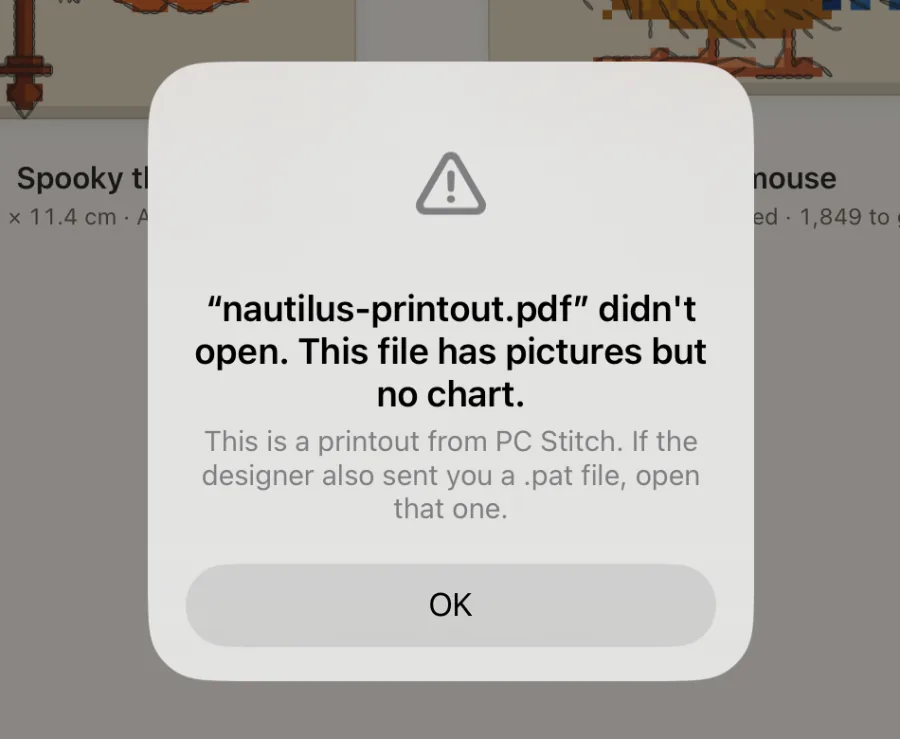
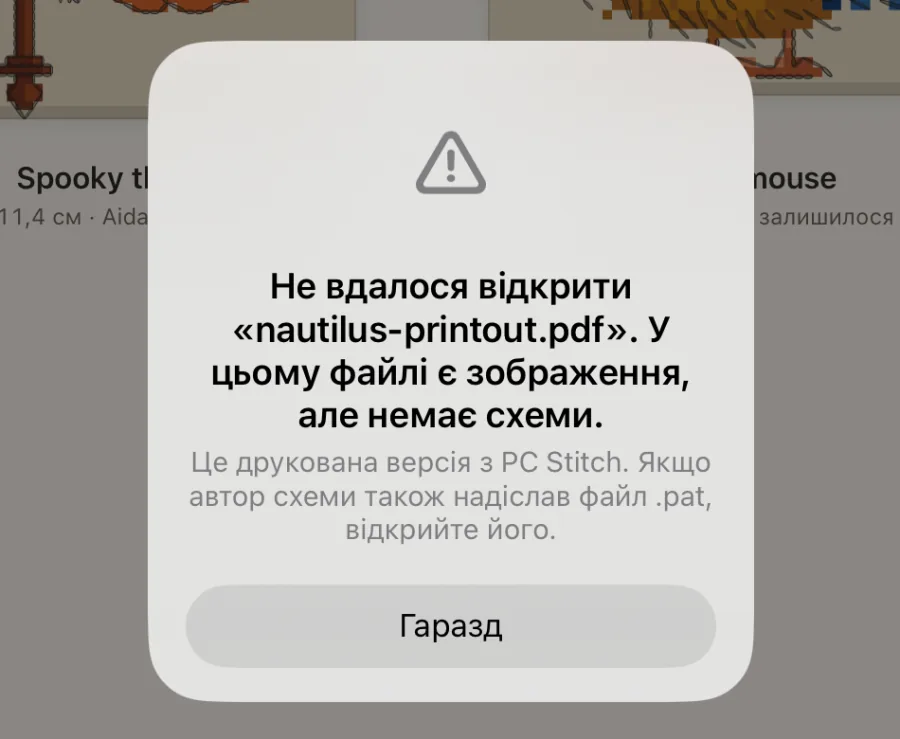
The card says Crosstela can’t read this PDF. Try one of these:
Save the PDF again from the program that made it.
Or print it to a new PDF, and open that one.
Or ask the designer for the pattern file itself, such as .oxs. See Files Crosstela opens.
Only part of the file could be read
The card says Crosstela couldn’t read all of this file. Crosstela doesn’t open a half-read chart, so you never stitch from a wrong one. Tap Send it to us: we’ll work on it and reply to your email with a file that opens.
A scan or a photo of a chart
The card says This looks like a scan or a photo of a chart. Crosstela reads charts made by a program, not pictures of paper. Ask the shop or designer for the PDF or pattern file, or tap Send it to us.
A locked PDF
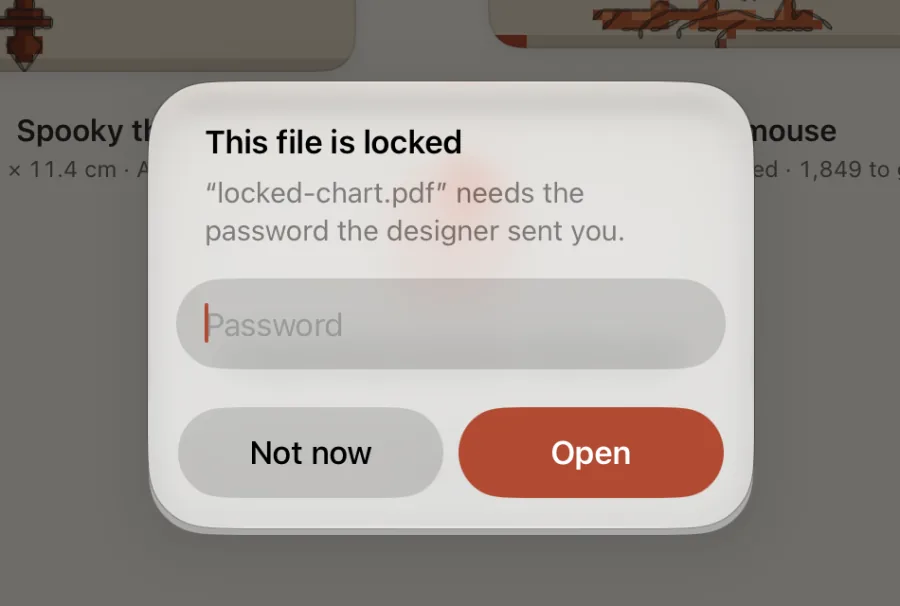
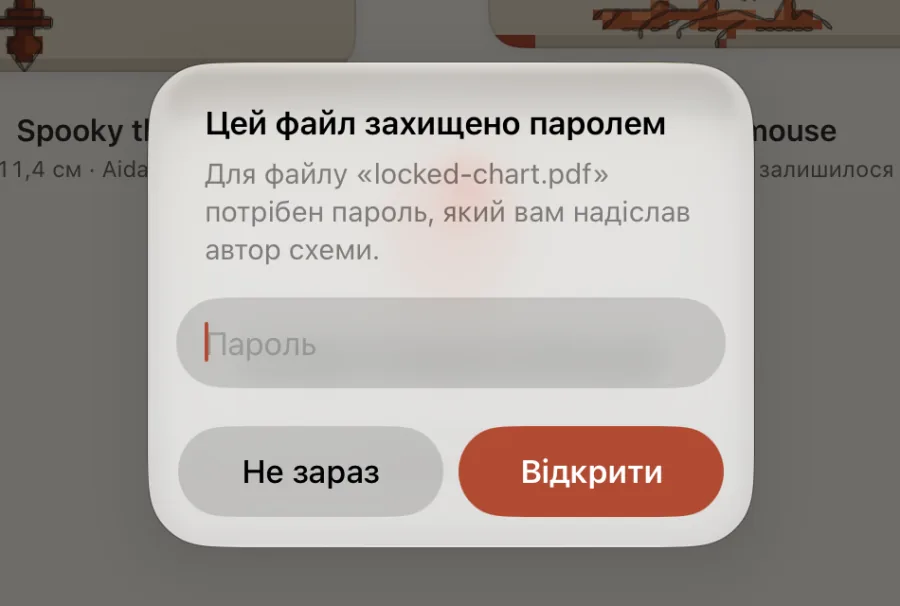
Some shops lock their PDFs. Crosstela asks for the password the designer sent you. Type it and tap Open, or tap Not now to leave the file for later.
What Send it to us sends
Send it to us opens a new email to [email protected] with the file attached. You can add a line, and nothing is sent until you tap Send. Without Mail, or when the file is over 20 MB, the share sheet opens instead so you can choose another way.
What we do with a file you send: see the Privacy Policy.
На картці написано Crosstela не вдалося прочитати цей файл повністю. Напівпрочитану схему Crosstela не відкриває, щоб ви ніколи не вишивали з помилкової. Торкніться Надіслати нам: ми над ним попрацюємо й відповімо на ваш лист файлом, який відкривається.
Скан або фото схеми
На картці написано Схоже, це скан або фото схеми. Crosstela читає схеми, створені програмою, а не знімки паперу. Попросіть у магазині чи в автора PDF або файл схеми, або торкніться Надіслати нам.
PDF із паролем
Деякі магазини захищають PDF паролем. Crosstela попросить пароль, який вам надіслав автор схеми. Введіть його й торкніться Відкрити або торкніться Не зараз, щоб повернутися до файлу пізніше.
Що надсилає «Надіслати нам»
Надіслати нам відкриває новий лист на [email protected] із прикріпленим файлом. Можна дописати кілька слів, і нічого не надсилається, доки ви не торкнетеся «Надіслати». Якщо Пошти немає або файл більший за 20 МБ, натомість відкриється меню «Поділитися», щоб вибрати інший спосіб.